A customer message is a moment of trust.
WhatsApp automation and Business API setup
When enquiries stack up, even a caring team cannot answer every simple question at once. Silence can feel like the business is not listening.
EvolynFlow sets up WhatsApp automation for growing businesses: instant replies, lead capture, routing, order and appointment updates and follow-ups, on the official WhatsApp Business API. We are based in Mumbai, work with businesses across India and the USA, and price every setup by quote.
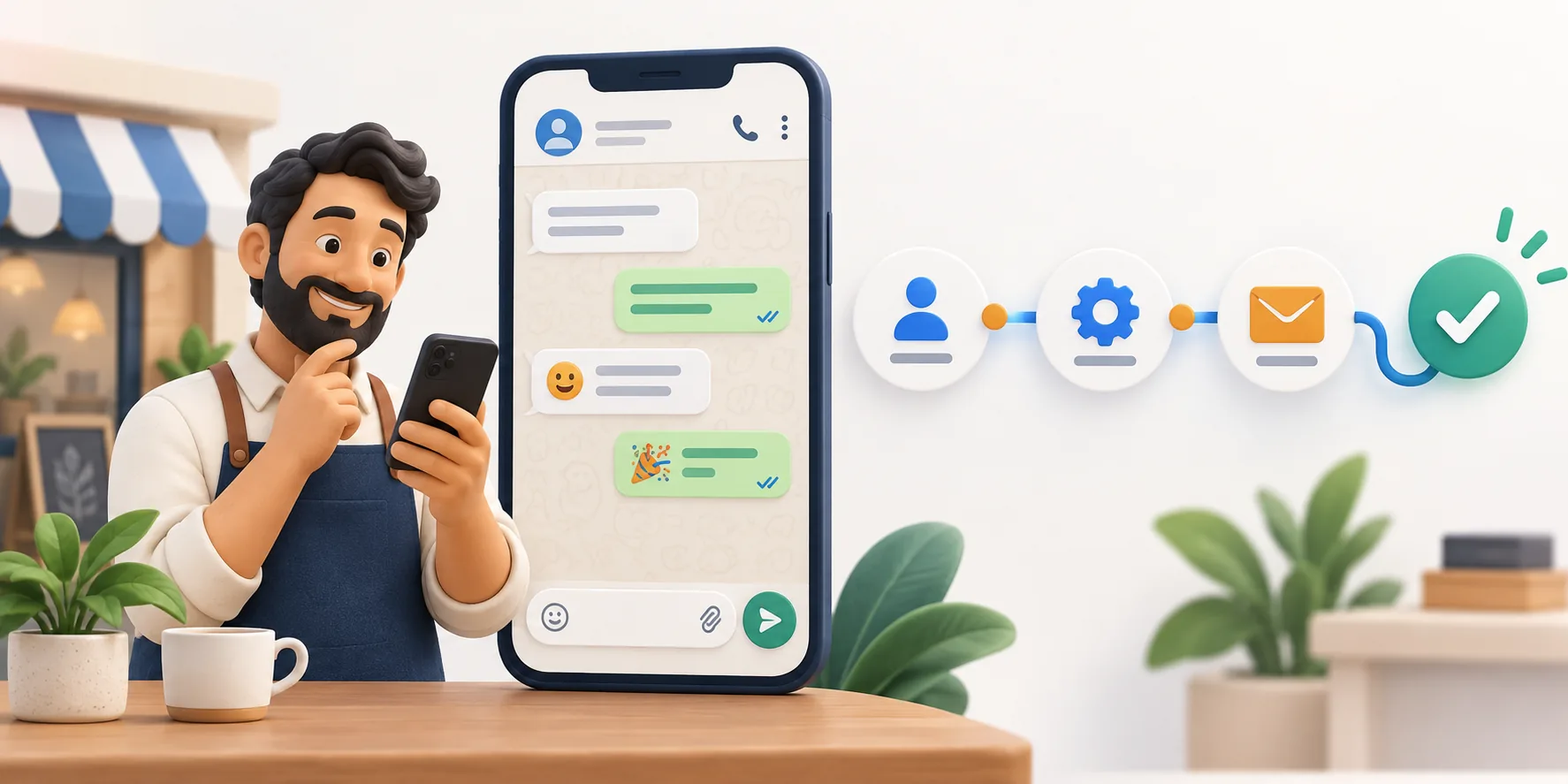
WhatsApp automation that answers, routes and follows up
We set up useful replies, routing and updates on the channel your customers already use, with a clear handoff to a person when the conversation needs one.
Conversations keep moving while your team stays present for the moments that need judgment.
What's included
- Official WhatsApp Business API setup. Your business portfolio, phone number, display name and message templates set up on Meta’s Cloud API, so the automation runs on the official platform.
- Instant replies. Answers to the questions customers ask again and again: timings, location, availability and order status.
- Lead capture and routing. Every new enquiry saved with its name, number and question, and passed to the right person on your team.
- Order, appointment and status updates. Confirmations, reminders and updates sent from your systems as approved templates.
- Follow-up flows. Scheduled follow-ups for enquiries that go quiet, which stop as soon as the customer replies.
- A shared inbox for your team. An interface where your team reads every chat, takes over from the bot and changes its tone.
How it works
- 01
Map the conversations
We read a sample of your real chats with you and list what customers ask, what can be answered automatically and what needs a person.
- 02
Set up the API and templates
We connect your number to the WhatsApp Business Platform and submit the templates your updates and follow-ups need for Meta’s approval.
- 03
Build and test the flows
Replies, routing and follow-ups are built and connected to your sheet or CRM, then tested with your team before launch.
- 04
Launch and refine
After launch we watch the conversations, adjust the replies and tone, and keep your messages within WhatsApp’s rules.
Who it's for
- Shops, salons, clinics and service businesses that get the same questions on WhatsApp every day
- D2C brands that send order confirmations and delivery updates
- Sales teams whose leads arrive on WhatsApp and get lost between phones
- Businesses moving from the WhatsApp Business app to the API as their message volume grows
Most WhatsApp bots follow a script. Ours learns.
Using machine learning, your chatbot learns how to handle your clients over time. You stay in control: its talking style can be changed manually at any time, for example friendlier, more formal or more sales-focused. We also give you an interface for the WhatsApp API where you can read your chats and adjust the conversation mood yourself. Nothing is hidden behind us.
Instagram and Telegram automation
Customers do not only message you on WhatsApp. We set up the same quick replies, lead capture and follow-ups on Instagram direct messages and Telegram, and connect all three to your other tools with n8n, so every enquiry lands in one list whichever app it came from.
Instagram, like WhatsApp, limits when a business can message someone who has not written recently, so these flows reply to people who contacted you rather than sending cold messages.
WhatsApp number banned? We help you get it back
If your business number shows “This account is not allowed to use WhatsApp”, or your API account has been restricted, we help you request a review the right way: in the app for the WhatsApp Business app, or in Business Support Home for the API. We help you write a clear, factual appeal and fix whatever caused the ban, so it does not happen again.
No one outside WhatsApp can lift a ban, and WhatsApp decides every review. What we can do is make sure your appeal is complete and that your setup follows the rules from then on, which usually means sending bulk messages only through the official API, to customers who opted in, with approved templates.
Questions about WhatsApp automation
Something else on your mind? Ask us directly; a person usually replies by email within 30 minutes.
What is the difference between the WhatsApp Business app and the API?
The WhatsApp Business app is a free app for chatting with customers from a phone, with quick replies and greeting messages. The WhatsApp Business API connects your number to software, so replies, routing and updates can run automatically and your team can work from one shared inbox.
How much does WhatsApp automation cost?
Every setup is priced by quote, because it depends on the flows, the tools we connect and your message volume. Separately, Meta charges per delivered template message, by category and by the recipient’s country, so we explain what your monthly running cost depends on before you start.
Can I keep my existing WhatsApp number?
Often, yes. A number already on the WhatsApp Business app can usually be connected to the API, and Meta now lets many businesses keep using the app on the same number alongside the API. We check what your number allows before we start.
Can my team take over a chat from the bot?
Yes. Every flow has a clear handoff, so a person from your team can step into any conversation from the shared inbox when it needs judgment.
Can you help if my WhatsApp number is banned?
Yes. We help you request a review through the right channel, write a clear appeal and fix the cause. WhatsApp makes the final decision on every review, so no one can honestly promise that a ban will be lifted.
Read before you decide
WhatsApp Business API explained: app vs API, setup and what it costs to run
The difference between the WhatsApp Business app and the API, what you need to set the API up, and what your monthly cost depends on.
Read the guide Guide · WhatsAppWhatsApp number banned? How to get it back, step by step
Why WhatsApp bans numbers, how to request a review in the app or in Business Support Home, what to write, and how to avoid the next ban.
Read the guide Guide · AutomationHow to automate lead follow-up on WhatsApp and email
Why speed matters, the six-step follow-up flow we build for enquiries, and the WhatsApp rules your automation has to respect.
Read the guideWhat do customers ask you again and again?
A sentence is enough to begin. Every project is priced by quote.